

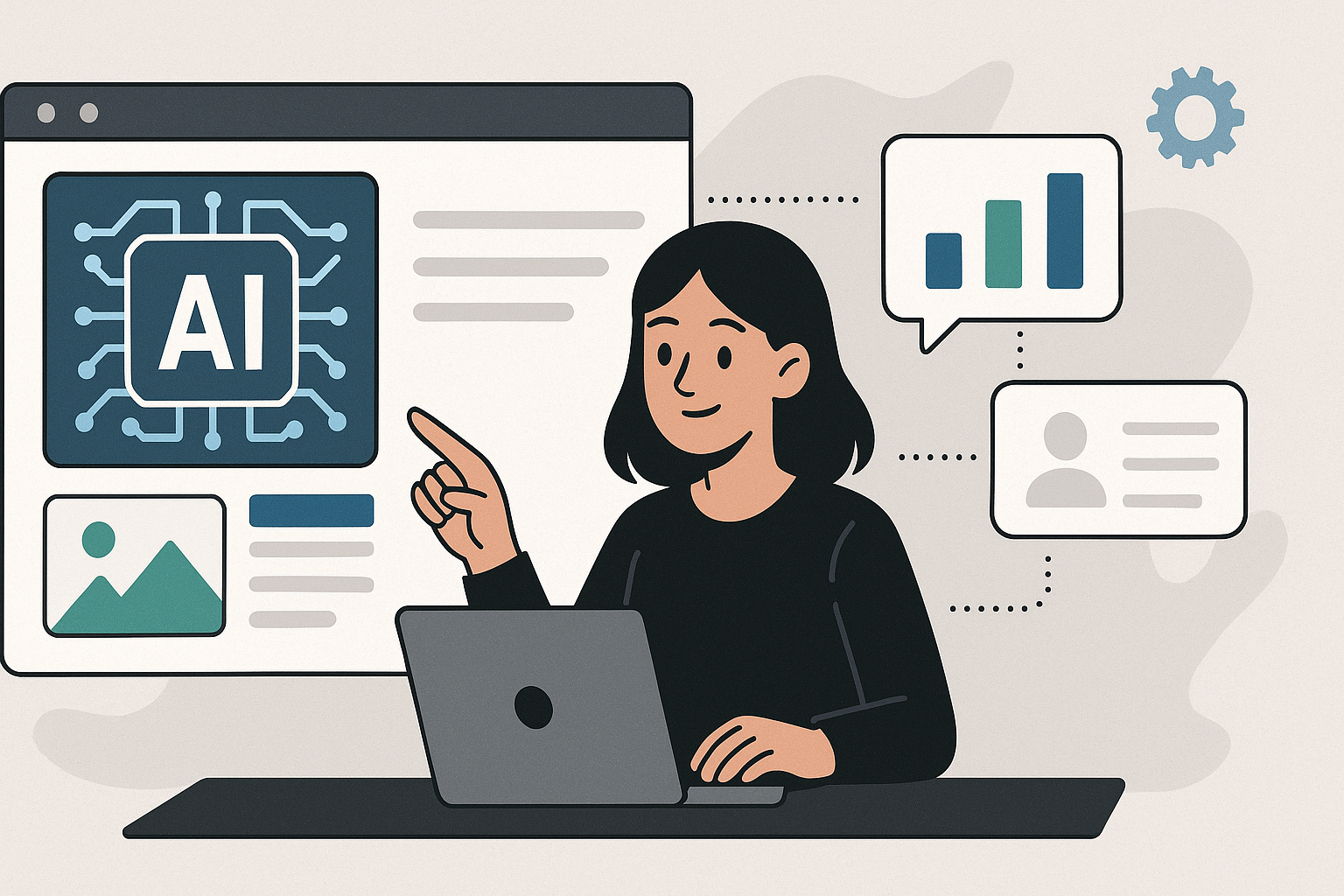
In the modern digital landscape, presentations are no longer just about slides—they’re about storytelling, engagement, and impact. Whether you’re a student, business professional, or content creator, the ability to craft visually stunning presentations quickly can make all the difference. Fortunately, AI presentation tools now make that process faster and easier than ever.
If you’ve ever wondered how to create your own AI presentation, this guide will walk you through the entire process—from choosing the right tool to customizing your content like a pro.
What Is an AI Presentation?
An AI presentation is a slide deck created or enhanced using artificial intelligence. Instead of manually designing every slide, AI tools can:
- Generate presentations automatically from a text prompt or topic.
- Suggest layouts, visuals, and fonts.
- Improve design consistency and readability.
- Even write slide content or summaries for you.
With AI presentation makers, you can focus on your ideas, while the AI handles the design details.
Why Should You Create Your Own AI Presentation?
Creating your own AI presentation isn’t just about saving time—it’s about creating better content faster. Here’s why it’s worth it:
✅ Saves time: Generate slides in minutes instead of hours.
✅ Professional design: AI ensures every slide looks polished and cohesive.
✅ Content enhancement: AI can write, rewrite, and summarize text automatically.
✅ Ease of use: No design or technical skills required.
✅ Creativity boost: AI suggests visuals, themes, and layouts you may not have considered.
Step-by-Step: How to Create Your Own AI Presentation
Follow these simple steps to build a powerful AI-driven presentation from scratch:
Step 1: Choose the Right AI Presentation Maker
Your first step is to select a reliable AI presentation tool. Some of the best options include:
- Beautiful.ai – Smart templates with automatic formatting.
- Tome – Text-to-presentation storytelling powered by AI.
- Canva Magic Design – Generates beautiful slides instantly.
- SlidesAI.io – Converts plain text into Google Slides automatically.
- Gamma App – Modern, interactive, and web-based presentations.
Each tool offers unique features, so pick one that suits your presentation goals—business, education, marketing, or creative storytelling.
Step 2: Input Your Topic or Content
Once you’ve chosen your tool, the next step is to provide the topic or text prompt for your presentation.
For example:
“Create a presentation about the impact of artificial intelligence in education.”
The AI will analyze your input and generate slide titles, bullet points, and even visuals that match your theme.
Step 3: Review the Generated Slides
AI presentation makers usually generate a complete deck in seconds. Review the automatically created slides to ensure they:
- Match your intended message.
- Follow a logical structure (introduction → body → conclusion).
- Include visuals or icons that support your content.
You can easily delete, rearrange, or edit slides to personalize them further.
Step 4: Customize the Design
Even though AI handles the design, adding a personal touch is key to standing out. You can:
- Change color schemes to match your brand.
- Add your logo or watermark.
- Adjust font styles or transitions.
- Include photos, charts, or infographics relevant to your topic.
Customization ensures your AI-generated presentation feels unique and authentic.
Step 5: Enhance with AI-Generated Images or Icons
Modern Create Your Own AI Presentation often integrate with image-generation tools such as DALL·E, Midjourney, or Canva Magic Media.
Use these to create:
- Custom background images.
- Illustrations for concepts.
- Professional-quality visuals that make your slides more engaging.
AI visuals can transform a basic deck into something that captivates your audience.
Step 6: Add AI-Written Narration or Script (Optional)
If you plan to present online or record a video presentation, you can even use AI to generate a voiceover script or narration.
Tools like Synthesia, Pictory, and Lumen5 use AI avatars and text-to-speech technology to turn your slides into video presentations—perfect for YouTube, webinars, or e-learning platforms.
Step 7: Export and Share
Once your AI presentation looks perfect, export it in your preferred format:
- PowerPoint (PPTX)
- Google Slides
- PDF or Video Format
Then, share it with your audience, colleagues, or clients effortlessly.
Top Tools to Help You Create Your Own AI Presentation
Here’s a quick comparison of the leading AI tools you can use:
| Tool Name | Best For | Key Features |
| Beautiful.ai | Business presentations | Smart layouts, brand consistency, analytics |
| Tome | Storytelling | Text-to-slides, AI visuals, integration with Notion |
| SlidesAI.io | Google Slides users | Converts text to slides instantly |
| Canva Magic Design | Creative professionals | AI-generated templates, Magic Write, branding tools |
| Gamma App | Educators & creators | Interactive content, minimal design |
| Pitch | Teams & startups | AI design, collaboration, data visualization |
Tips for Making the Best AI Presentation
Here are a few expert tips to make your AI-generated presentation more impressive:
💡 Keep it short and engaging – Avoid overcrowding slides with too much text.
💡 Use visuals effectively – AI tools can suggest icons and images; use them to break monotony.
💡 Tell a story – Structure your content with a clear beginning, middle, and end.
💡 Leverage AI writing tools – Use ChatGPT, Jasper, or Writesonic to refine your slide content.
💡 Practice delivery – Even with AI design, your presentation skills make the biggest difference.
Advantages of Creating Your Own AI Presentation
| Advantage | Description |
| Speed | AI drastically reduces creation time. |
| Design Accuracy | AI ensures layout and font consistency. |
| Accessibility | No need for advanced PowerPoint or design skills. |
| Innovation | AI tools inspire new design and content ideas. |
| Scalability | Easily create multiple versions for different audiences. |
The Future of AI Presentations
As AI continues to evolve, presentation tools will become even more intelligent and personalized. Future features may include:
- Real-time feedback on presentation tone and engagement.
- Voice-controlled slide generation.
- AI audience analysis to tailor content in real time.
- Seamless integration with AR/VR platforms for immersive presentations.
The next generation of presentations will be more than slides—it will be smart communication experiences powered by AI.
Read Also: Maximizing Efficiency: The Benefits of Industrial Coil Systems in Refrigeration
Final Thoughts
Creating your own AI presentation is no longer a luxury—it’s a necessity in today’s fast-paced world. With just a few clicks, you can transform plain ideas into stunning, professional-quality presentations that capture attention and deliver results.
